LucidView's IPS now offers protection from remote-access scammers
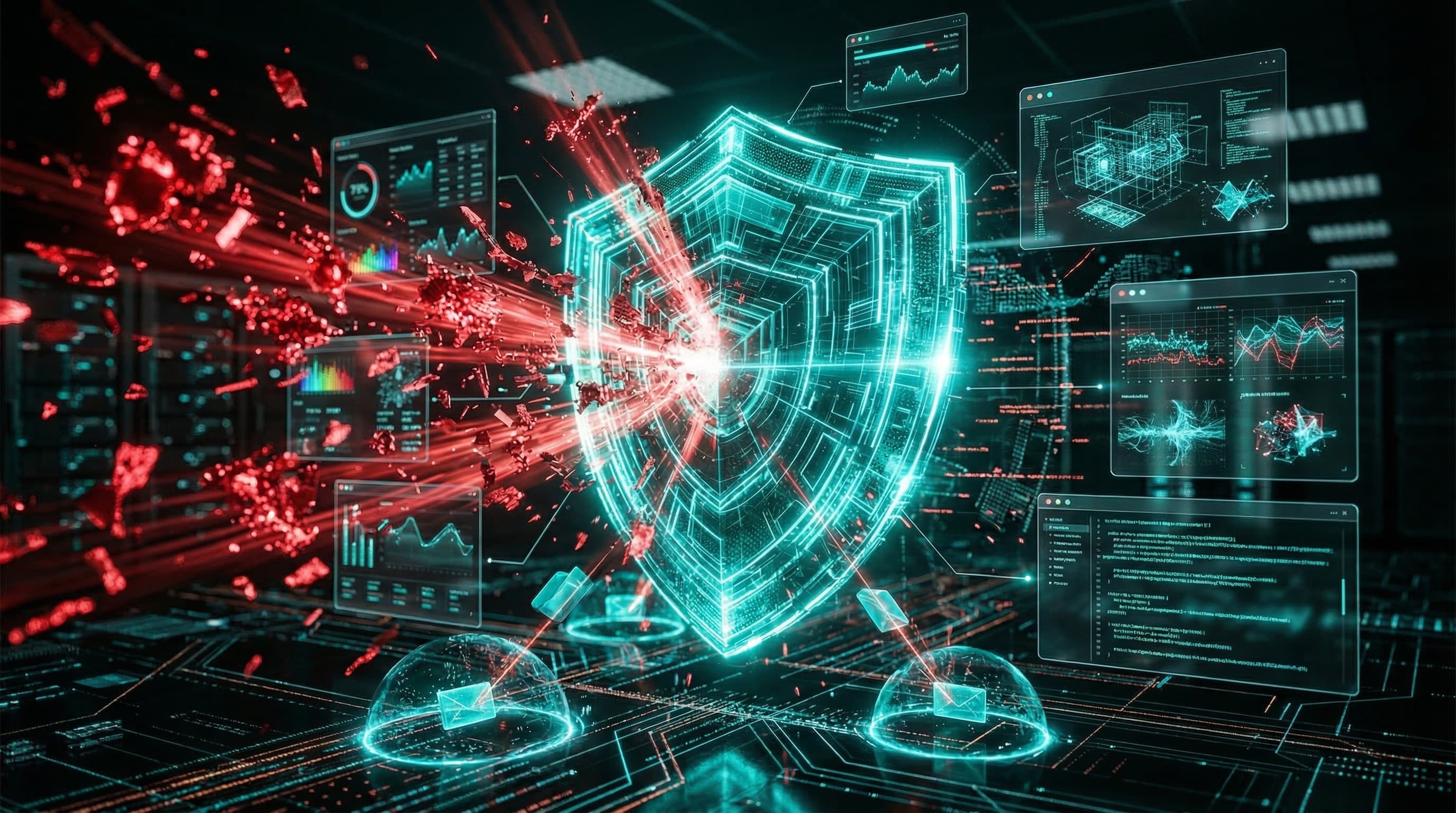
Remote access scams start inside the firewall. Block the path before a scammer gets in.
Watch a remote access scam unfold
Scammer Payback shows how a fake refund story can lead to a remote-control session. The video illustrates the risk; it is independent of LucidView.
A convincing phone call, a fake bank alert or a bogus support message can end with a simple request: “Let me connect to your computer so I can help.” The person at the keyboard installs a familiar remote-support tool, approves a session and gives a stranger control. The software itself may be legitimate. The person asking for access is not.
This is a serious fraud problem. In its 2024–2025 report on older consumers, the US Federal Trade Commission recorded $159 million in reported 2024 losses to tech-support scams among people aged 60 and over. That figure covers tech-support scams generally, not remote-access cases alone. The FTC's advice on tech-support scams specifically warns that impostors may ask for remote access, steal payment details or install malware.
Why an ordinary firewall may let the session through
Traditional perimeter firewalls are good at refusing unsolicited connections into a network. Remote-support applications often take a different route: the user's computer makes an outbound connection to the provider's service, and the remote operator joins through that session. To the firewall, the return traffic belongs to a connection the inside computer started. No open inbound port is needed.
Once the user approves control, a scammer may see the screen, operate the computer and reach files or services that the user's own account can reach. That is the piggyback risk: the attacker rides an apparently permitted session and the user's existing access. An ISP or corporate firewall can be correctly configured and still allow this kind of user-initiated connection.
The FTC's small-business guidance warns that a remote-access request can expose information on the computer and on a connected network.
What LucidView's Remote Access category does
In the LucidView Portal, Remote Access is a selectable category under IPS. It is separate from Security Risk. The distinction matters: a remote-support product can be useful and legitimate while still creating a path a scammer could misuse. The category is intended to identify and block remote-control and remote-administration destinations when an administrator selects it in the profile policy.
LucidView classifies known remote-support services and also investigates remote-capable connections that use direct IP addresses or tunnel-like behaviour. On a supported MikroTik Enforcer, selected policy can be enforced through LucidView's DNS and firewall paths. Classification and enforcement depend on the destination, the active profile settings and the Enforcer being connected and up to date. This is a risk-reduction control, not a guarantee that every remote session or scam will be stopped.
Our recommended default
Keep the Remote Access category selected for blocking by default on profiles where users do not need unsupervised remote-control software. It creates a useful pause before a user can accidentally grant a stranger control during a pressured call.
When genuine IT support needs a remote-support application, have the administrator verify the request through a known contact channel and allowlist only the specific application and destinations required for that support workflow. Scope the exception to the relevant profile or device where your policy allows it, and remove it when the work is finished. Avoid opening the whole category just because one support session is needed.
If someone unexpectedly asks to control your computer, stop the call and contact your IT team, bank or service provider using a number you already trust. Never approve a session because of a pop-up, an unsolicited call or a link in a message. If access was already granted, disconnect the session and alert your IT team promptly; they can review the device, accounts and any remote-support software left behind.
See the tactic in action
Scammer Payback documents scam operations and the pressure tactics used against victims. The video above is an awareness example of a fake refund scam involving remote control. It helps show why blocking the remote-access path before a user is persuaded to approve a session is valuable.
For MikroTik networks, review the Remote Access selection in your LucidView Enforcer profile alongside your other Security through IPS settings. Keep approved support exceptions narrow and review them regularly.
See LucidView
View the LucidView Portal Demo
Explore the masked portal demo after a short human check. No email or account needed.
Access Portal Demo