September 2026 LucidView Portal Update
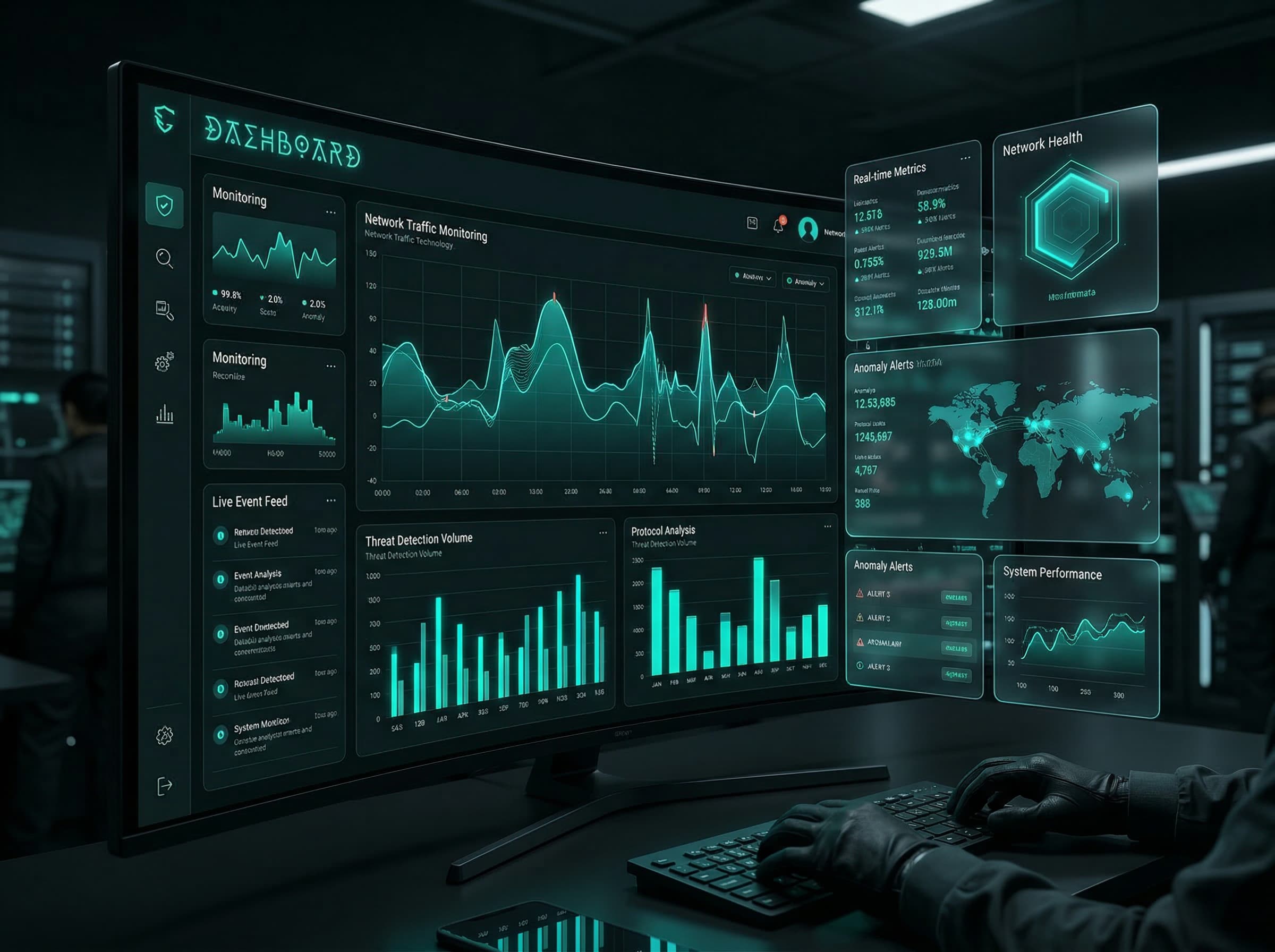
LucidView has released a major Portal update for supported MikroTik Enforcers. This update brings together the work we have been doing across MikroTik Management, Content Filter policy, Behaviour-Based IPS-Style Protection, fleet installation, support workflows and billing.
For current clients, resellers, ISPs, WISPs and MSPs, the practical result is simple: the Portal is becoming the main place to install, manage, support and review LucidView Enforcers.
What has changed
The September 2026 Portal update improves four everyday workflows:
- managing supported MikroTik routers from the Portal
- onboarding new Enforcers with one fleet install script
- managing Content Filter policy, bypasses and profile settings more easily
- reviewing network security, usage and router health from one place
It also introduces clearer billing and improved LucidView Support handling.
MikroTik Management from the Portal
LucidView is no longer only a filtering and reporting service. For supported, online Enforcers where LucidView access checks pass, the MikroTik Management area of the Portal can now help with practical router-management tasks.
For online Enforcers, remote SSH and Winbox access can be opened in a few clicks, without setting up a VPN or walking the client through firewall changes. Access can then be closed again from the Portal when the work is done.
The Portal can also help with router health and maintenance tasks, including:
- online and offline state
- CPU, memory and storage pressure
- RouterOS firmware upgrade support
- DHCP lease refresh, make-static and remove-static actions
- controlled reboot actions
- router clock and NTP repair
- Wi-Fi SSID, password, frequency and enabled-state changes where supported
- Deploy Fast Internet and Saturation Manager shaping where configured
These tools are designed for supported online Enforcers. Some actions depend on router model, RouterOS version, profile settings and whether LucidView access checks pass.
One fleet install script for new Enforcers
New Enforcer installs are much easier.
Previously, operators often had to download a unique script for a specific Enforcer profile. The current MikroTik install flow provides a single fleet install script for the account instead.
That means a reseller, ISP, WISP, MSP or administrator can download the current company script once and use the same script to onboard supported MikroTik routers in that fleet.
When the script runs on a supported MikroTik, the router is connected to the LucidView service, matched to the account and turned into a LucidView Enforcer. If the same MikroTik already has LucidView installed, the current script can also be used as the uninstall path before installing the latest version.
This makes rollout simpler for teams that manage many sites.
Improved Profile Manager
The Profile Manager has also been improved so profile admins can more easily manage the settings that matter at each site.
A LucidView profile is the internet-access and Content Filter policy for a supported MikroTik router. It is where the administrator manages filtering rules, schedules, bypasses, reports and access.
The updated Portal makes it easier to manage:
- Content Filter category policy
- site-specific bypasses and exceptions
- schedule-based access rules
- profile-level settings
- customer or delegated access where enabled
- reporting and dashboard access
This is important because different sites often need different policies. A school, office, home, internet cafe, estate or managed customer site should not have to use the same internet policy everywhere.
Content Filter upgrade
The Content Filter has had a major upgrade.
LucidView is not only a DNS filter. It combines DNS policy with Firewall Content Filter controls on supported MikroTik routers. This gives stronger network-edge enforcement than DNS-only filtering, which can often be weakened by alternate DNS, private DNS, DNS over HTTPS, VPNs or other resolver changes.
LucidView uses cloud intelligence, DNS metadata, MikroTik Traffic Flow / NetFlow metadata, category data, risk signals and network behaviour to classify destinations and activity. Those classifications then drive Content Filter policy, reports, Traffic Flow Analyser and Behaviour-Based IPS-Style Protection.
For ISPs and WISPs, this also helps keep DNS on the intended local managed path where configured. That can improve policy control and can help large platforms choose local or regional CDN caches instead of unnecessary international paths.
Behaviour-Based IPS-Style Protection improvements
LucidView has also upgraded its Behaviour-Based IPS-Style Protection.
This protection helps reduce risk by detecting and blocking known malware sites and malicious destinations, detecting suspicious or unauthorised remote-access behaviour and surfacing zero-day-style activity early enough for administrators to act.
The important difference is that LucidView does not rely only on static signatures. It uses classification, behaviour, Google Safe Browsing malware evidence, Traffic Flow / NetFlow context, a comprehensive behaviour-based IP database and comprehensive analysis systems to understand suspicious activity. For suspicious IP-only traffic, LucidView can investigate suspicious IPs and destinations to determine what they are, without relying on a public signature being available first.
This is especially useful when risky traffic does not look like normal web browsing.
Reports, dashboards and traffic visibility
The Portal continues to bring reporting and operational visibility together.
Scheduled Reports, Dashboard Views and Traffic Flow Analyser help administrators, auditors and support teams understand what happened on the network without reading raw logs. LucidView retains three months of traffic-flow data for review and investigation.
This visibility is what connects the Content Filter, IPS-style protection and MikroTik Management tools into one practical operating view.
Simpler billing
We have simplified normal public billing.
For normal supported MikroTik sites, LucidView pricing is now fixed at US$3.84 per month per billable LucidView profile. In the usual one-profile-per-Enforcer setup, this means US$3.84 per billable Enforcer per month.
Creating an account is free, and LucidView includes a 30-day full-service free trial period. Billing is month to month for normal use, with fair use applying for abnormal backend load, unusual telemetry volume, custom retention, SLA obligations, excessive automation use or one profile representing multi-tenant subscriber scale.
Faster support handling
We have also improved LucidView Support handling.
Calls logged with support should now receive faster responses, with better internal routing and better visibility into the account, Enforcer and Portal context behind the request.
Where to start
Current clients can log in to the Portal and review the updated management and profile tools. New users can create a free account and test the current Enforcer flow on supported MikroTik routers.
Useful links:
- MikroTik Management
- Internet Management and Content Filter
- Behaviour-Based IPS-Style Protection
- Pricing
- Create a free Portal account
- Access the Portal Demo
The short version: LucidView now gives MikroTik networks a cleaner, safer and faster operating layer from one Portal: Content Filter, Behaviour-Based IPS-Style Protection, MikroTik Management, reports, traffic visibility, fleet installation and support.
See LucidView
View the LucidView Portal Demo
Enter your email on the demo path to receive access to the current LucidView portal demo.
Access Portal Demo